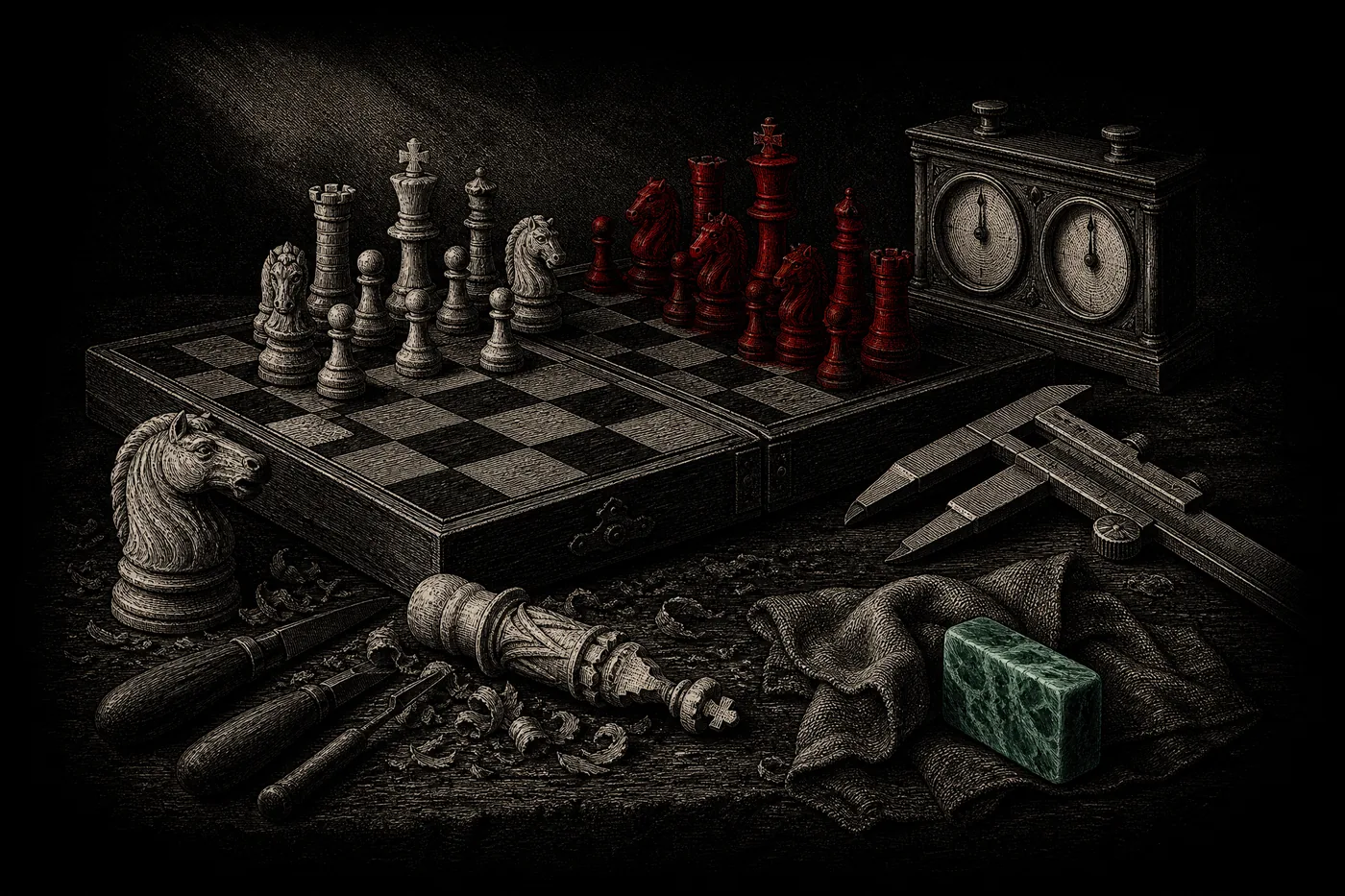
Here’s the short answer: for anything beyond a casual game at home, buy a digital clock that supports delay and increment. Analog clocks are charming and fine for a friendly blitz session, but modern tournament time controls (the ones that add a few seconds per move) simply can’t run on the old two-dial analog design. If you might ever play in a club or a rated event, digital is the safer buy — and it’s not an expensive category.
Let’s walk through what separates a good clock from a frustrating one, and demystify the “delay vs increment” thing that trips up almost every new tournament player.
The 30-second version
- Analog: two clock faces, a “flag” that drops at zero. Simple, no increment support. Fine for casual play.
- Digital: a screen, buttons, and multiple timing modes. Handles delay and increment. The default choice for serious play.
- Increment adds time each move (and you can bank it). Delay pauses before your main time ticks (you can’t bank it).
What actually matters when choosing a clock
You’re really deciding across just a handful of criteria:
| What to look for | Why it matters |
|---|---|
| Digital vs analog | Only digital clocks can run delay/increment time controls — the modern standard. |
| Timing modes | You want at least simple delay and Fischer increment. Bronstein is a nice bonus. |
| Ease of setting | Some clocks bury common time controls behind cryptic menus. Preset modes save headaches. |
| Move counter & display | A clear, readable display and (ideally) a move counter help in longer games. |
| Build & buttons | A solid rocker or big top buttons that register cleanly under a fast hand. |
| Power | Battery type and how long it lasts; a low-battery warning is handy mid-tournament. |
Notice there’s nothing here about brand logos or fabricated “ratings.” A clock is a tool — the question is simply does it run the time control you’ll actually play, and is it easy to set?
Time controls: how delay and increment really work
This is the part worth reading twice. A “time control” is just the rulebook for your clock — for example, 5 minutes with a 3-second increment, often written as 5+3. The three modern approaches:
Fischer increment (the “+3” you see everywhere). A fixed amount of time is added to your clock every time you complete a move, and — crucially — unused increment accumulates. Move quickly and you can actually build your clock back up. It was popularized by Bobby Fischer and is now the standard in FIDE events and on most online platforms. A 5+3 game starts at 5 minutes and hands you 3 seconds back after each move.
Simple delay (sometimes called US delay). Before your main time starts counting down, the clock waits out a fixed delay — say 5 seconds — every move. Move within that window and you lose no main time. But the delay does not accumulate: you can’t bank it, so your main clock can never grow, only hold or shrink.
Bronstein delay. Named after grandmaster David Bronstein, this one adds back the exact time you spent on a move, up to the delay maximum. Spend 2 seconds with a 5-second Bronstein delay and you get 2 seconds back; spend 10 and you get the full 5 back. The net effect is nearly identical to simple delay — your main time can never increase — it’s just implemented as an add-back after the move instead of a countdown before it.
| Mode | Can you bank saved time? | Main clock can grow? |
|---|---|---|
| Fischer increment | Yes | Yes |
| Simple delay | No | No |
| Bronstein delay | No | No |
The practical takeaway: increment rewards fast, efficient play by letting you build a buffer; delay just protects you from flagging in a scramble. Both exist to kill the ugly situation where a winning player loses on time in a dead-simple position. Any decent digital clock should offer all three.
Which clock for which player
- Home or park play? An analog clock (or a phone app) is plenty; buy digital only to grow into tournament controls.
- Club or rated events? Get a digital clock with delay and increment, and ask your club which controls they run.
- Coaching kids? Prioritize a clock that’s hard to knock out of setting, with big, obvious buttons.
- Traveling? Look for something compact, sturdy, and long on battery life.
Common mistakes to avoid
- Buying analog for tournament play. It can’t run increment, full stop. If your event uses a “+30” control, an analog clock won’t do.
- Never learning to set it. The #1 real-world problem isn’t the clock — it’s the player fumbling the setup at board one while the round starts. Practice at home.
- Confusing delay and increment. They feel similar in a scramble, but only increment lets you gain time — know which your event uses.
- Ignoring the buttons. In blitz, a mushy or mis-registering button costs games; press before you buy if you can.
- Assuming pricier means better. Beyond a reliable digital clock with the right modes, extra spend mostly buys looks, not function.
FAQ
Do I need a chess clock to start playing? No. Clocks matter for timed and tournament play. If you’re learning the game, skip it for now and add one when you join a club or want to practice faster time controls.
Analog or digital for a first tournament clock? Digital. It’s the only type that runs the delay and increment controls most events use today, and it’ll cover casual play too.
What’s the difference between delay and increment in one line? Increment adds time each move and lets you bank it; delay just pauses before your main time ticks and can never be saved up.
Can I just use a phone app instead? For casual and home games, absolutely — a clock app is free and fine. Over-the-board tournaments require a physical clock, and phones usually aren’t allowed at the board.
Key takeaways
- Digital beats analog for anyone heading toward club or rated play, because only digital runs delay and increment.
- Increment (Fischer, the “+3”) adds time you can accumulate; delay (simple or Bronstein) just shields you from flagging and never grows your clock.
- Prioritize the timing modes you’ll actually use, an easy setup, and clean buttons — not brand shine.
- Learn to set your clock before the event, not at the board.
Keep climbing
A clock is only half the tournament kit — the other half is the board and pieces. If you’re building out a proper setup, see how to pick a regulation tournament set, or step up to a board that records your moves for you with electronic chess boards. New to reading game times and move notation? Start with chess notation explained.
Back to the chess equipment guide for the full buying roadmap.
Researched and fact-checked by the Chess Lab Academy Editorial Team (AI-assisted, human-edited) · Time-control mechanics verified against the FIDE Laws of Chess and Wikipedia · Last verified 2026-07-13 · How we verify content.